01 / START
Open → Play → Share
No app installation. Open a browser experience, connect your keyboard and capture what happens.
We're inviting creators with a PartyKeys sample unit to film one short video. Pick an app from partykeys.ai, plug in the keyboard, hit record. Light-guided keys + browser apps + your camera = content that scrolls past nobody. Drop your Goaffpro affiliate link in the bio and earn on qualifying sales.
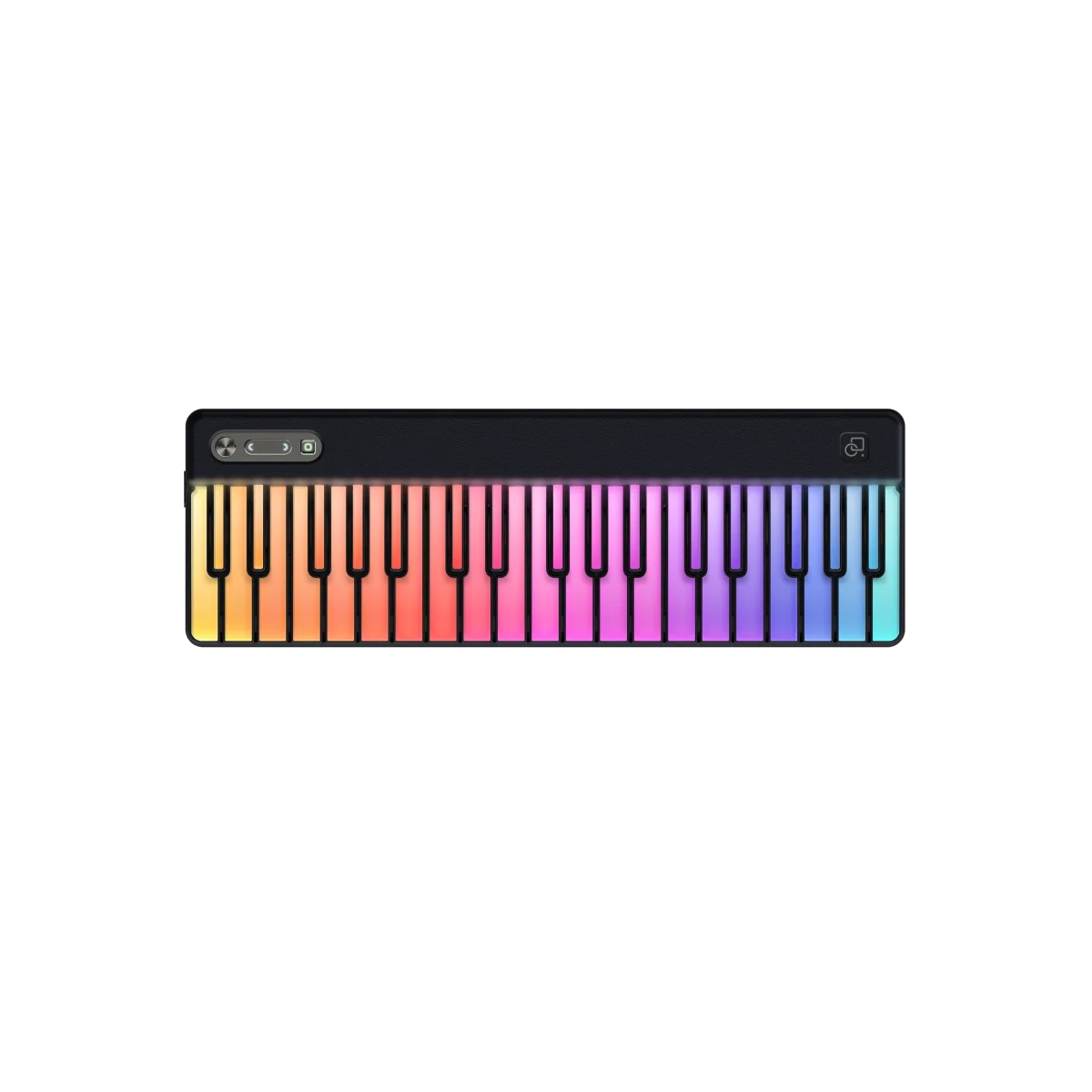
Per-key RGB · Bluetooth MIDI / USB-C · Open lighting protocol · Works with any DAW, any browser, any AI tool. No theory. No pressure. Just plug in.
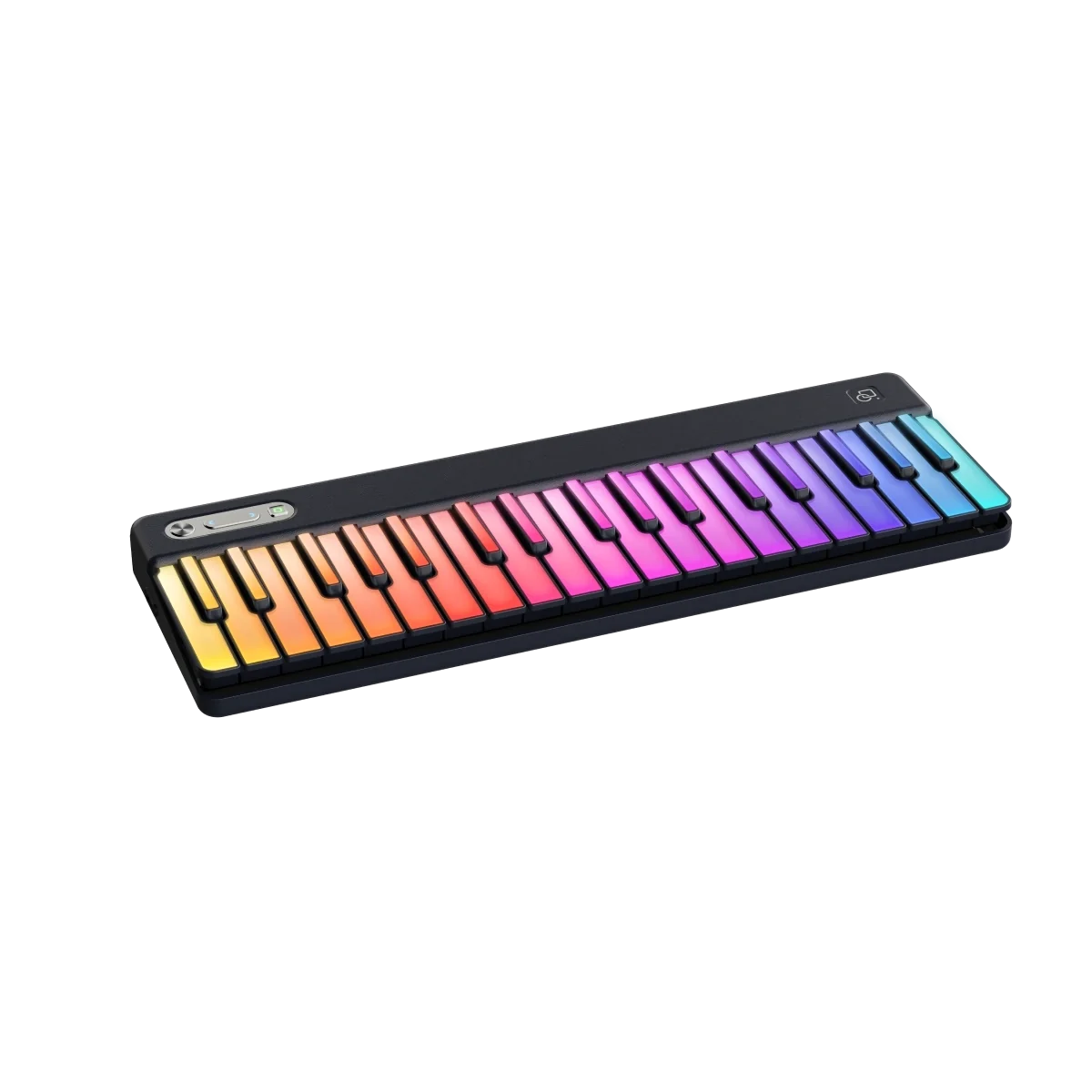
A 36-key modular MIDI keyboard with magnetic side-connectors. Snap two more on to scale up to 108 keys. Built for creators, vibe coders, and anyone who likes to ship.
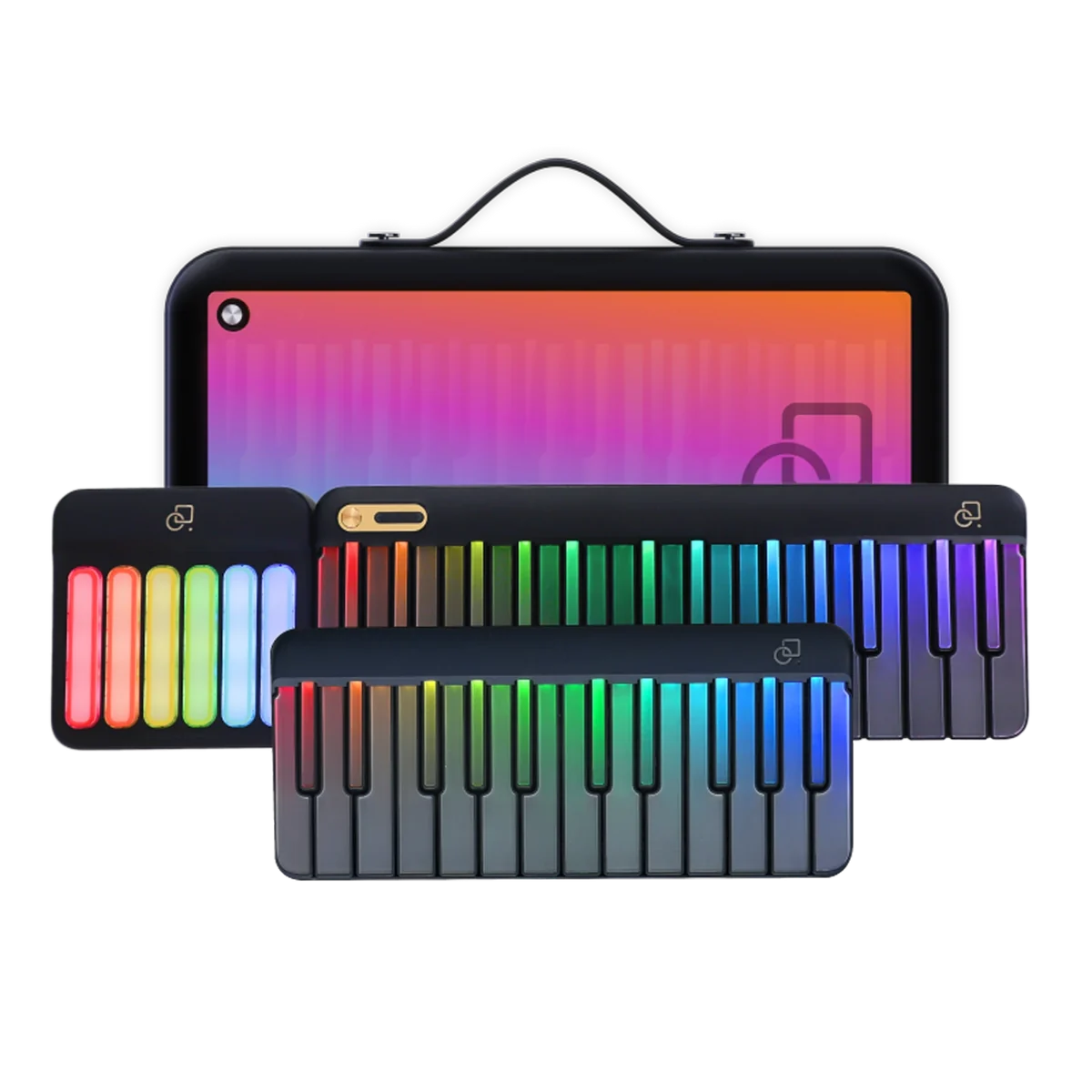
A modular smart keyboard system: 29-key main module + 24-key extension + 6-pad ChordPad. Snap two modules together magnetically (29 + extension or 29 + ChordPad) for up to 59 keys total. Light-guided learning, sing-along, and AI songwriting through the PopuMusic App.
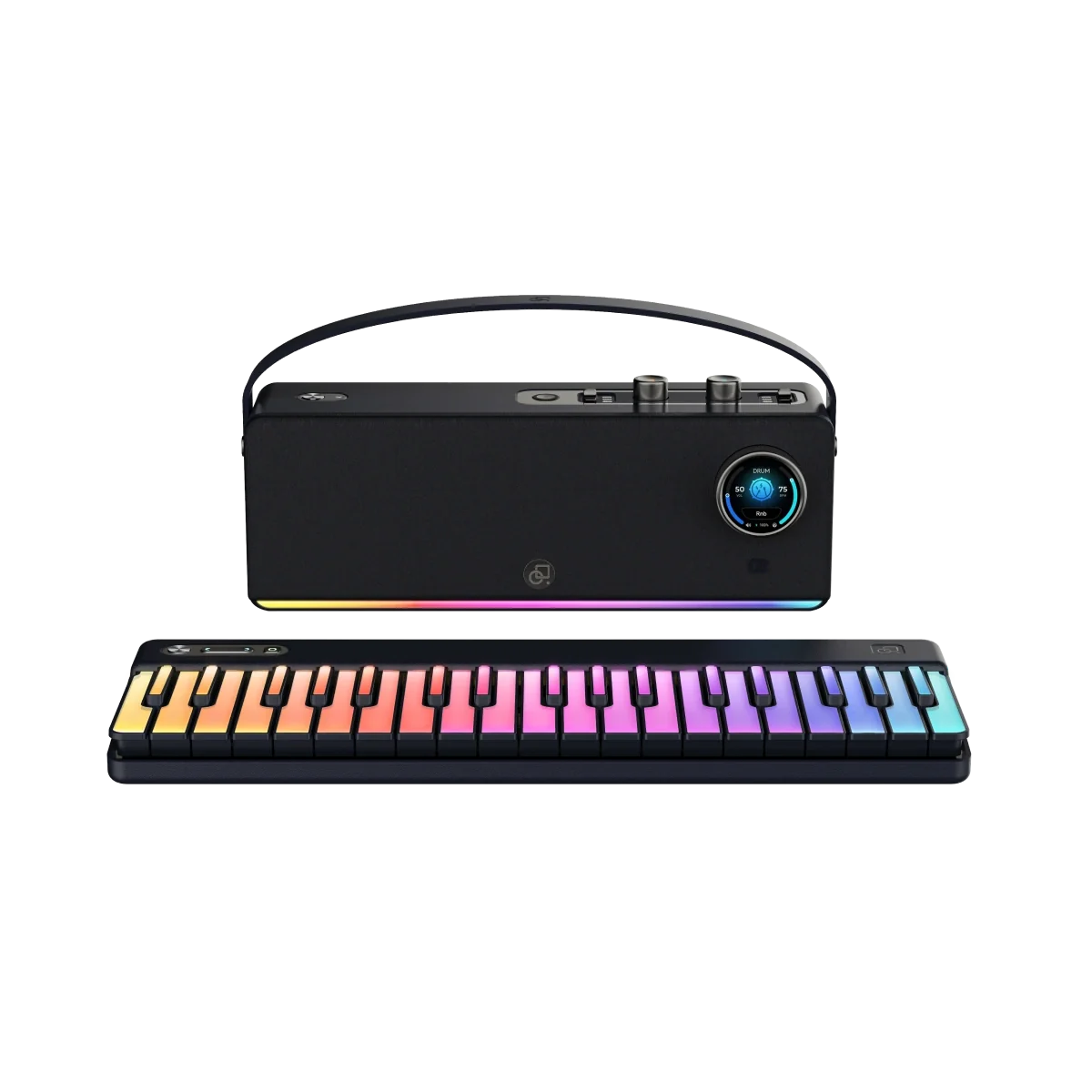
"Music transformed into something you can see, feel, and play with confidence."
PopuMusic is a next-generation music technology brand dedicated to making music more accessible, intuitive, and inspiring. Through visual guidance and intelligent interaction, we turn music into something you can see, feel, and play with confidence.
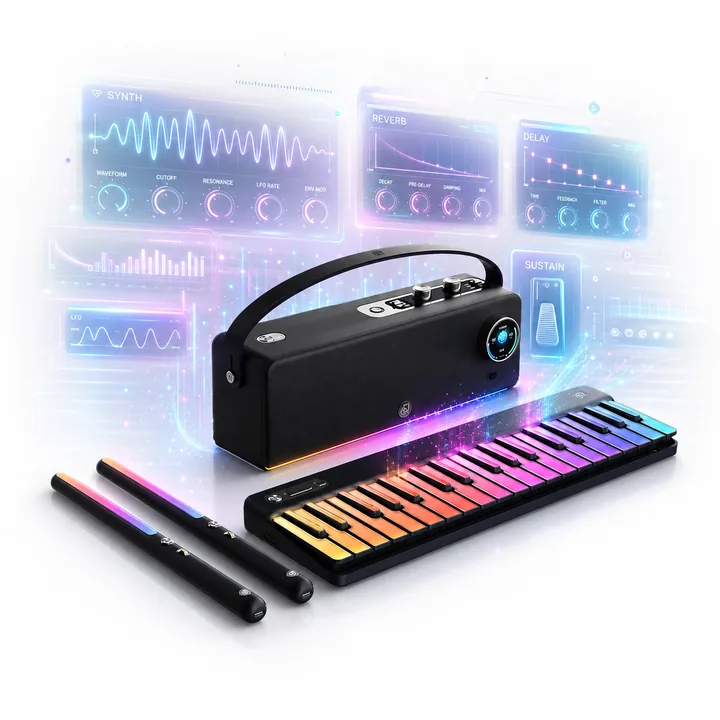
By combining smart instruments with an integrated learning and creation software platform, we empower beginners to start learning, singing, and creating music from day one. The ecosystem spans PopuPiano (smart keyboard), Poputar (smart guitar), Populele (smart ukulele), the PopuMusic App, and the new-generation Party series — PartyKeys smart keyboard, PartyStudio smart speaker, and PartyDrum smart air drumsticks. Together they form a flexible band concept and a connected music experience across playing, singing, and composing.
We think when rhythm, pitch, and visual guidance get aligned by the hardware itself, anyone — beginner, hobbyist, kid, retiree — can play something that sounds good in a few minutes. That's the reason we put RGB, an open protocol, and AI-friendly vibe coding into the hardware DNA.
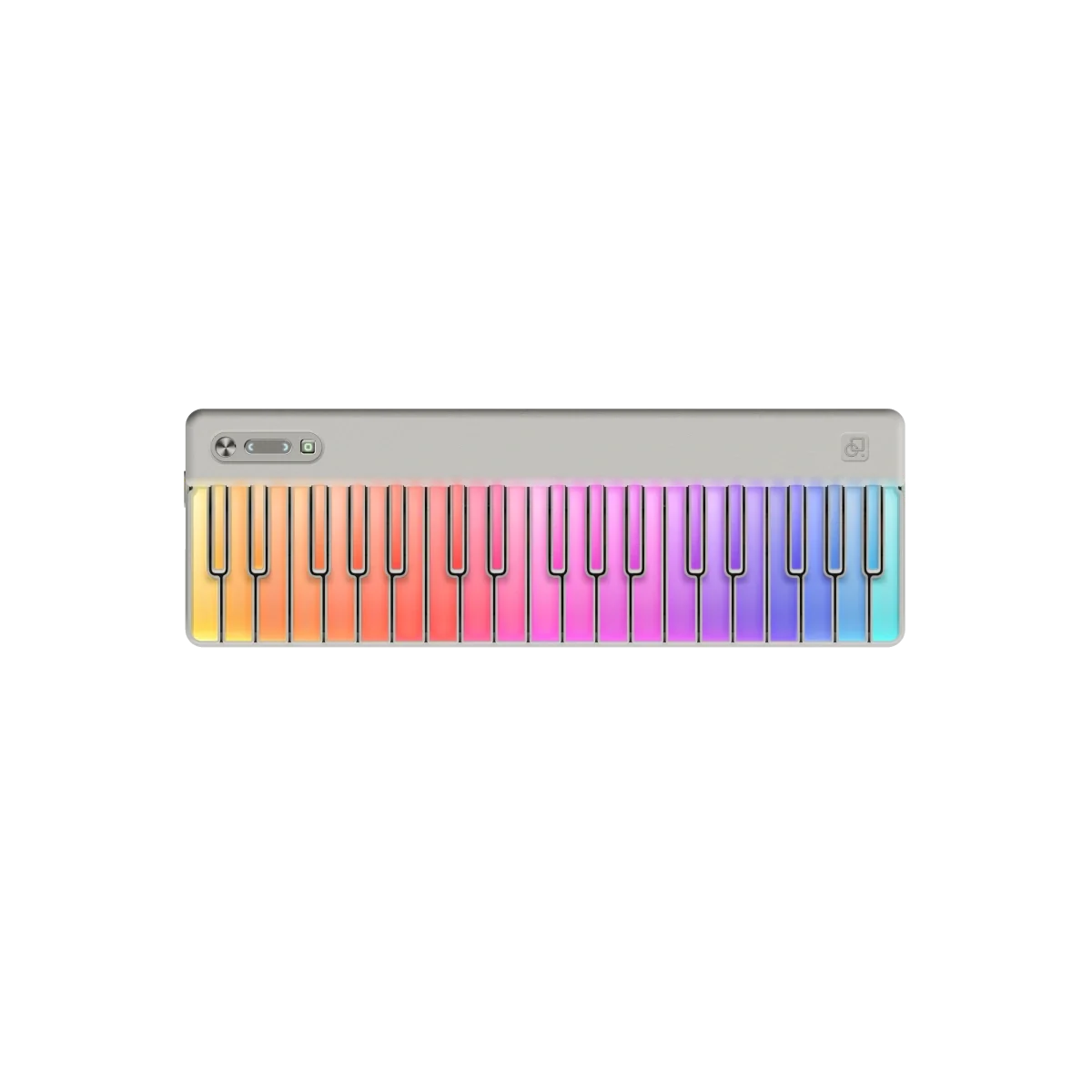
PartyKeys is our open-protocol family launched in 2025. You're not buying a keyboard — you're buying a programmable instrument platform.
Every app is built for PartyKeys. Open one in your browser and start.
Choose a lesson, chase a combo, build a groove or turn sound into light. The collection brings learning, practice, games, creation, AI generation and visualization into your browser.
Explore partykeys.ai ↗No app installation. Open a browser experience, connect your keyboard and capture what happens.
Learn, practice, play, create and explore. Follow a lesson or experiment with AI-generated music and live visuals.
Glowing keys meet browser effects. Keep the screen and your hands together so viewers see every action become light and sound.
20 apps · official collection order
 01
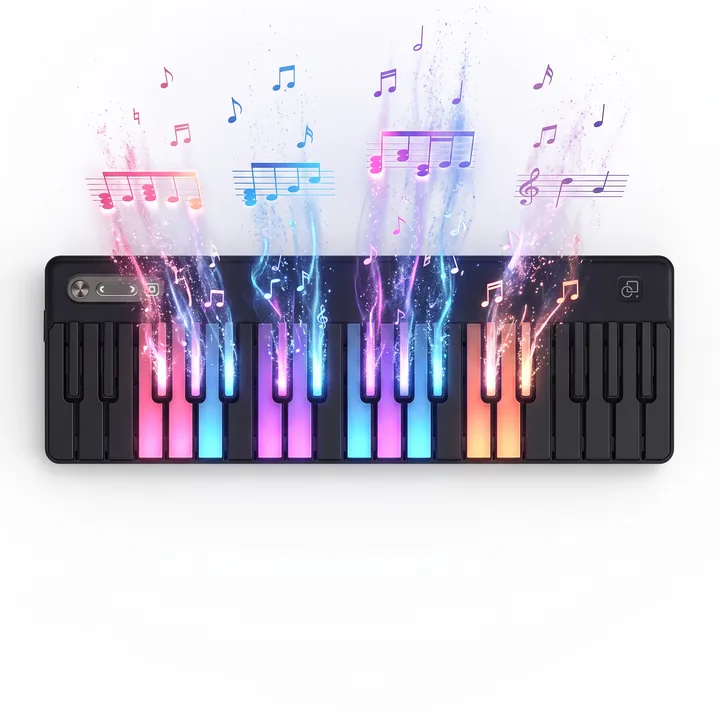
01Groove, timing & tempo trainer
 02
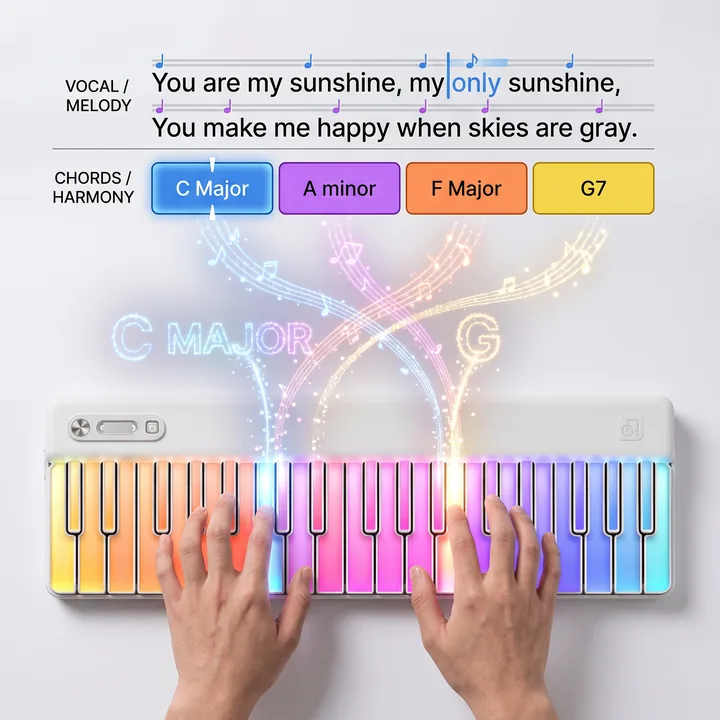
02Groove accompaniment & sing-along
 03
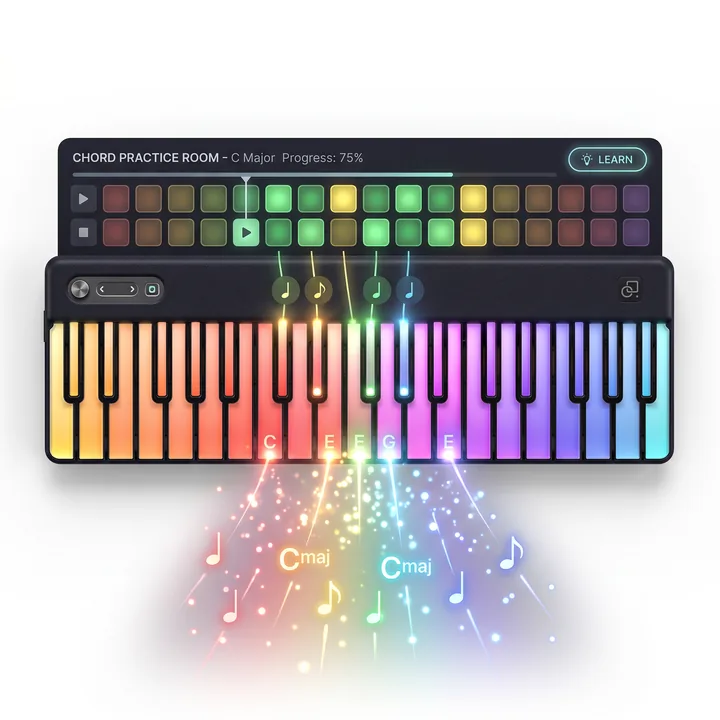
038-chord loops with two-hand lights
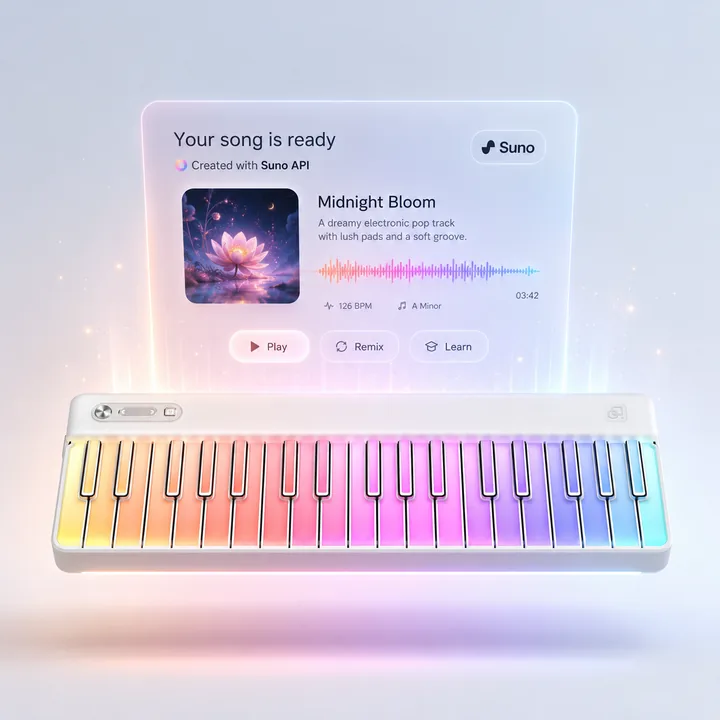 04
04AI song generator
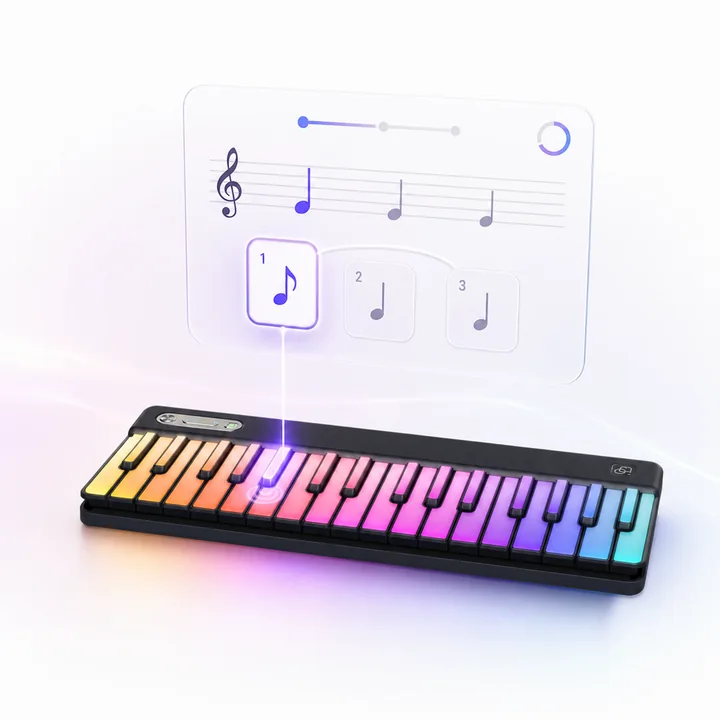 05
05Start with one note and follow the lights
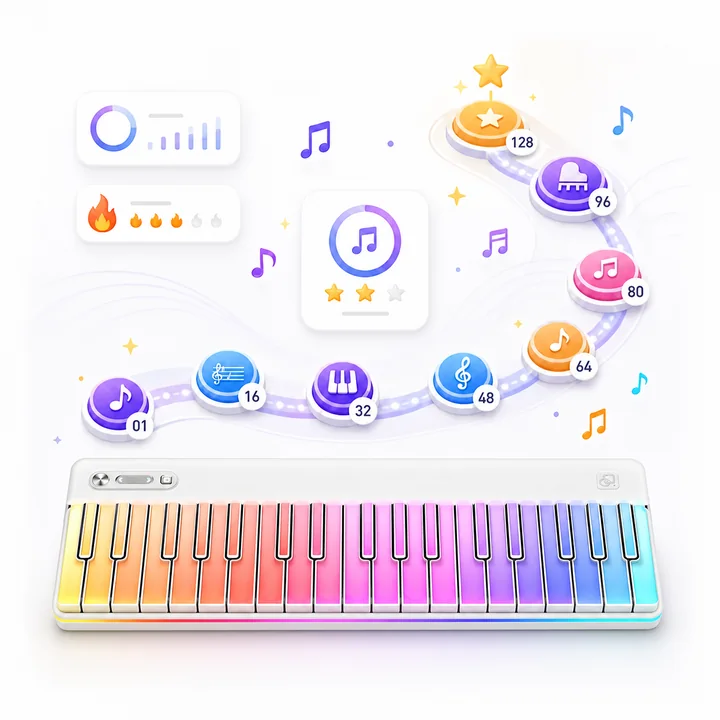 06
06128 bilingual levels with instant feedback
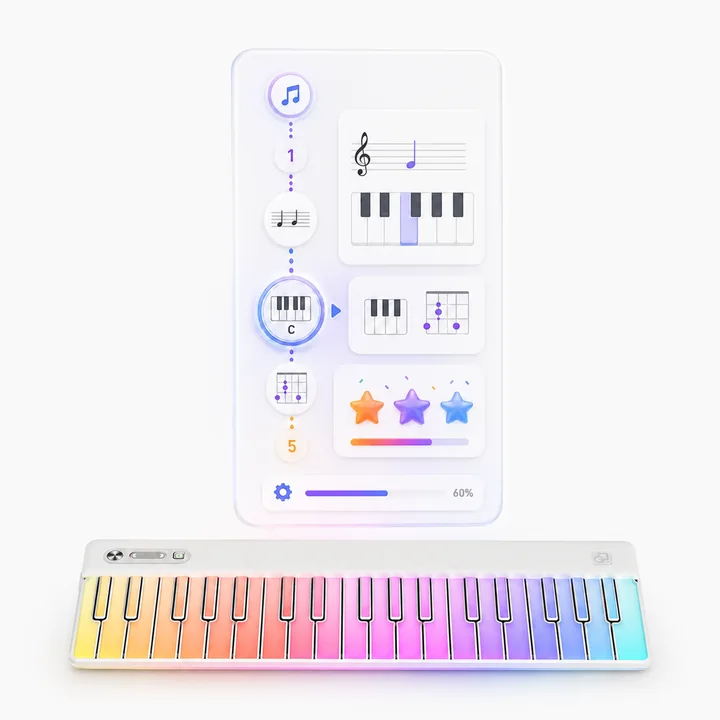 07
07A lightweight path of notes, drills and rewards
 08
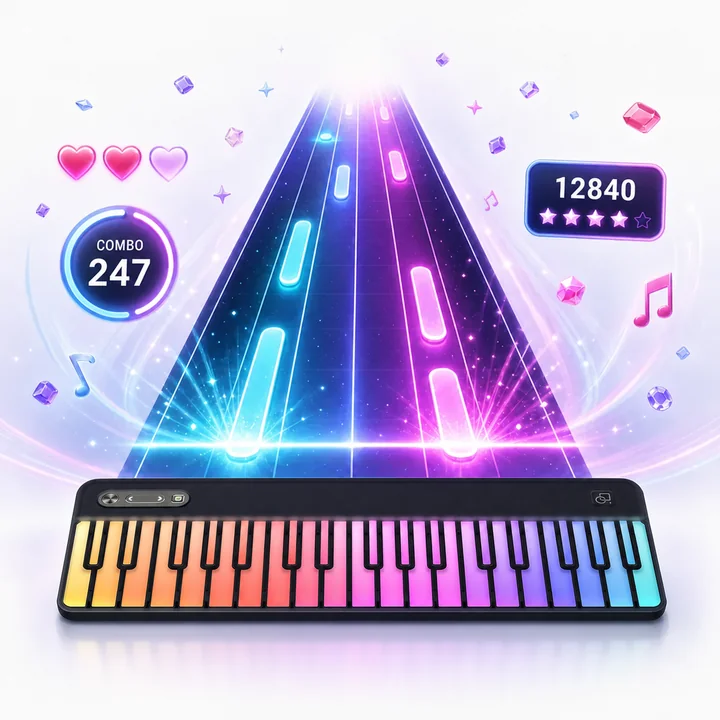
08Falling notes, combos and real-key lighting
 09
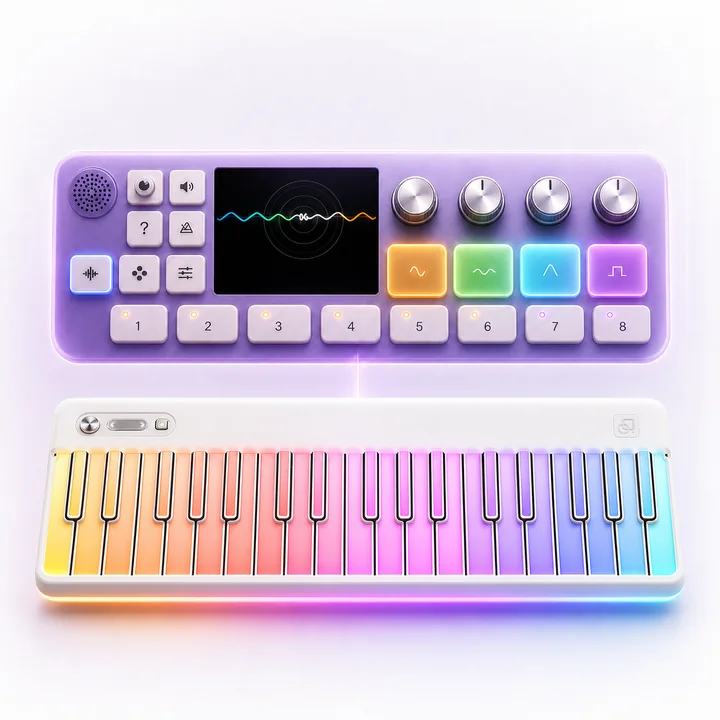
09Four-layer piano, live waveform, sequencer and scale lights
 10
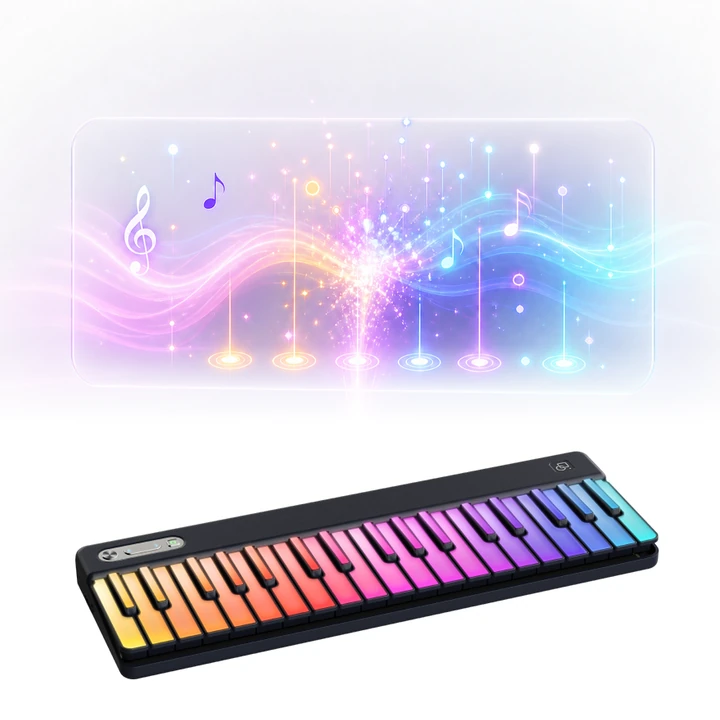
10Turn every played note into a live particle light bloom
 11
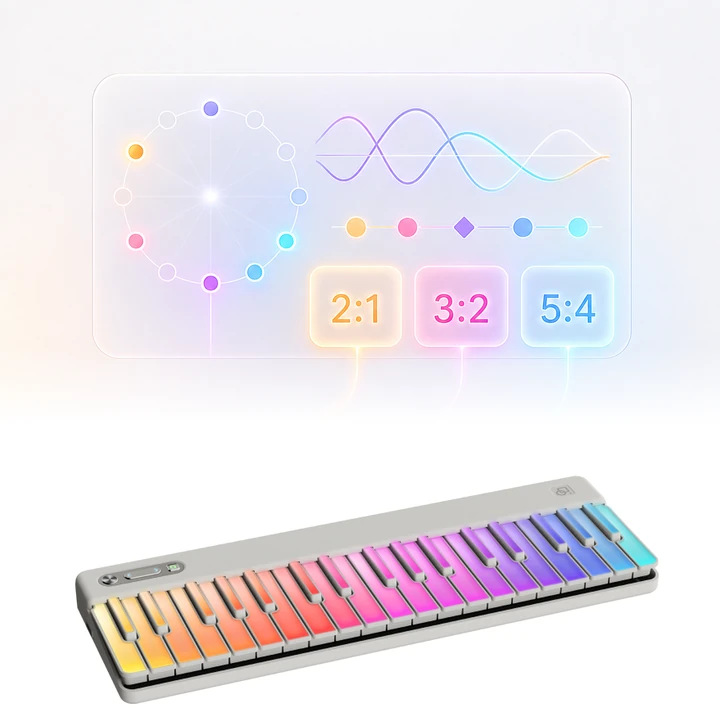
11Explore rhythm fractions, frequency ratios, chords and harmonics
 12
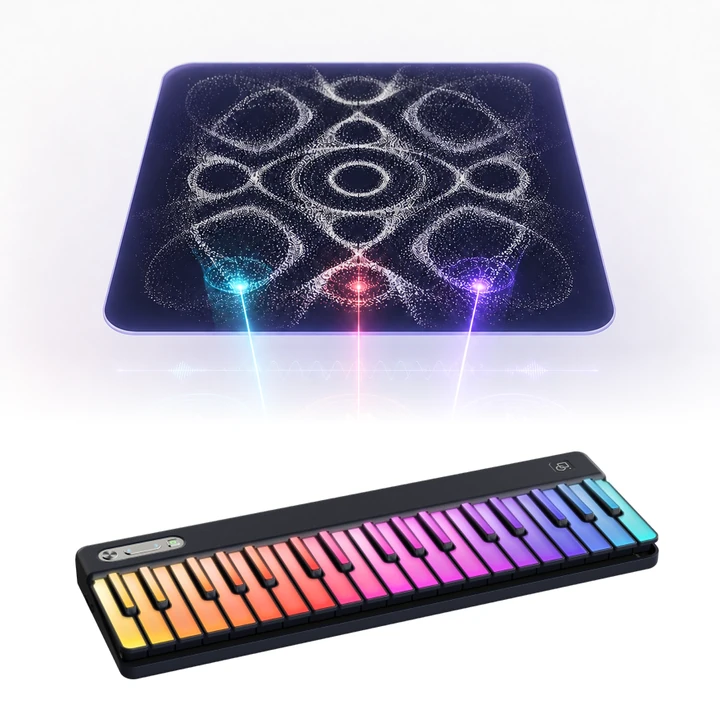
12See notes, intervals and chords take shape in 30,000 particles
 13
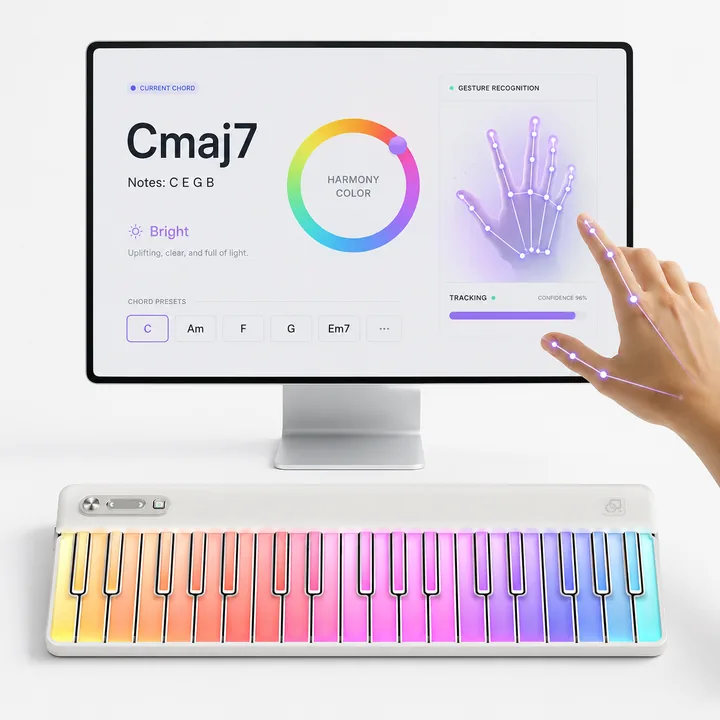
13Gesture chords
 14
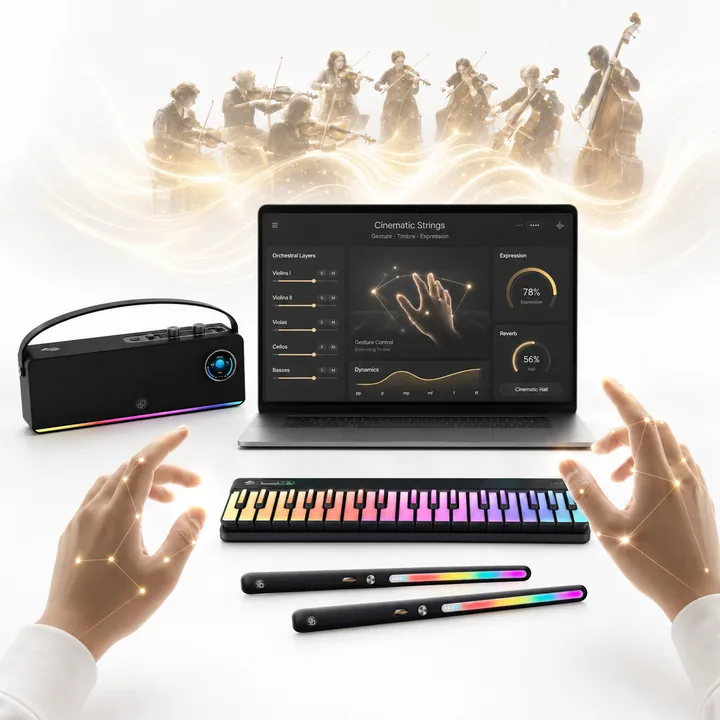
14Conduct with your hands
 15
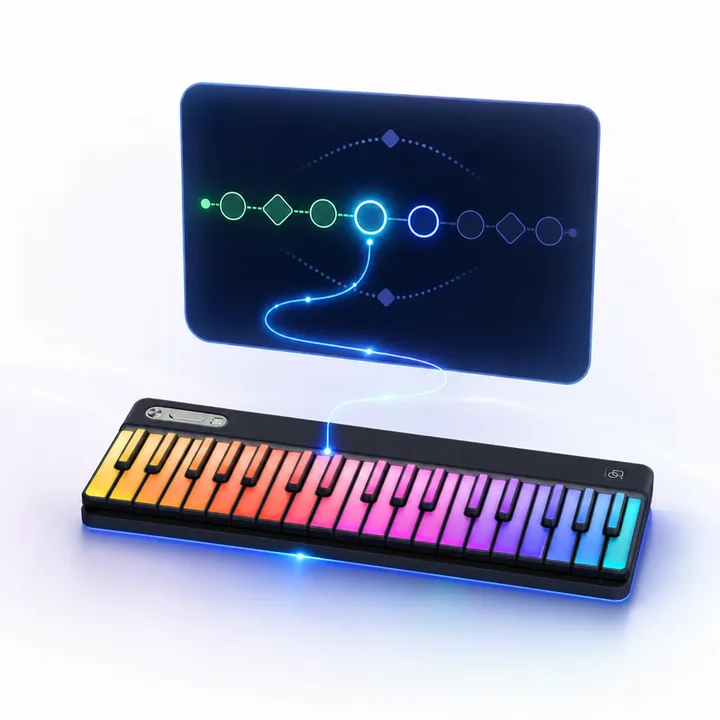
15Practice blues scales in all 12 keys with light guidance
 16
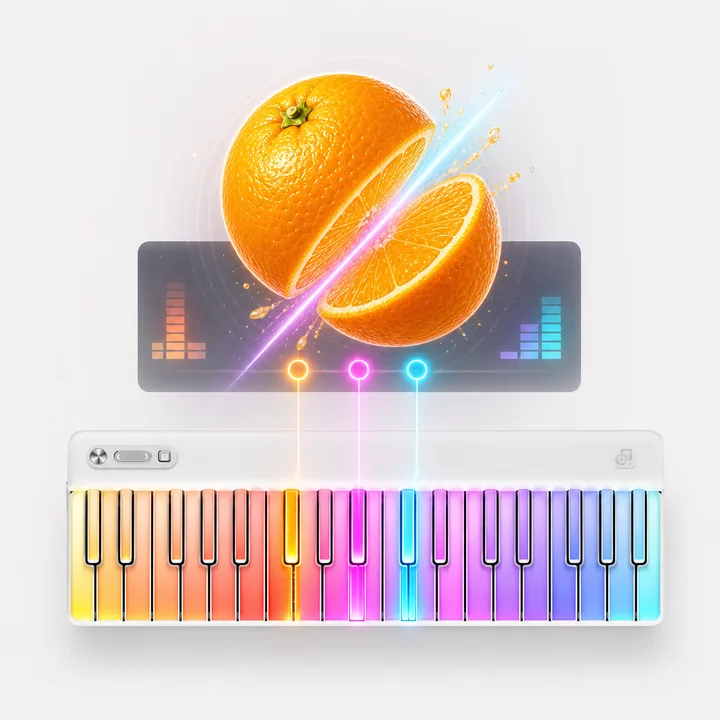
16Play the lit chord to slice flying fruit
 17
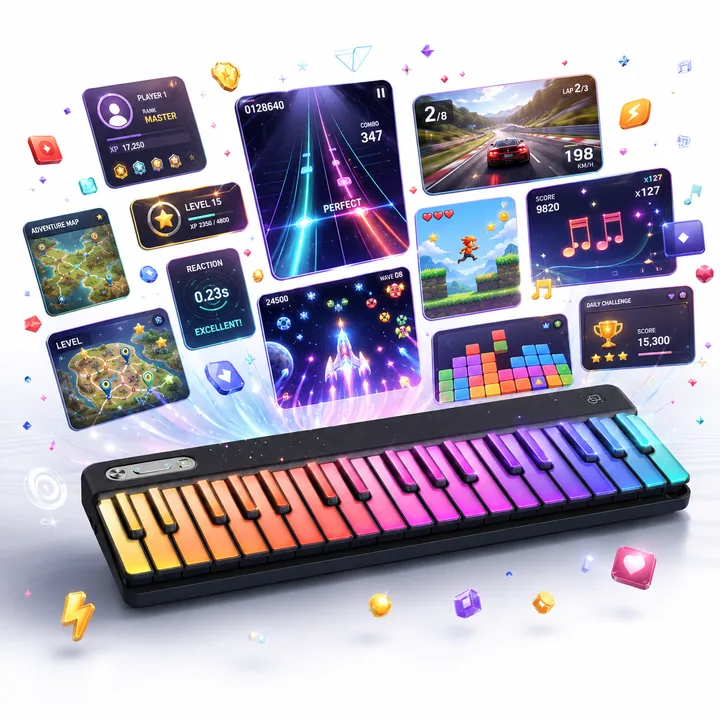
1716 music games
 18
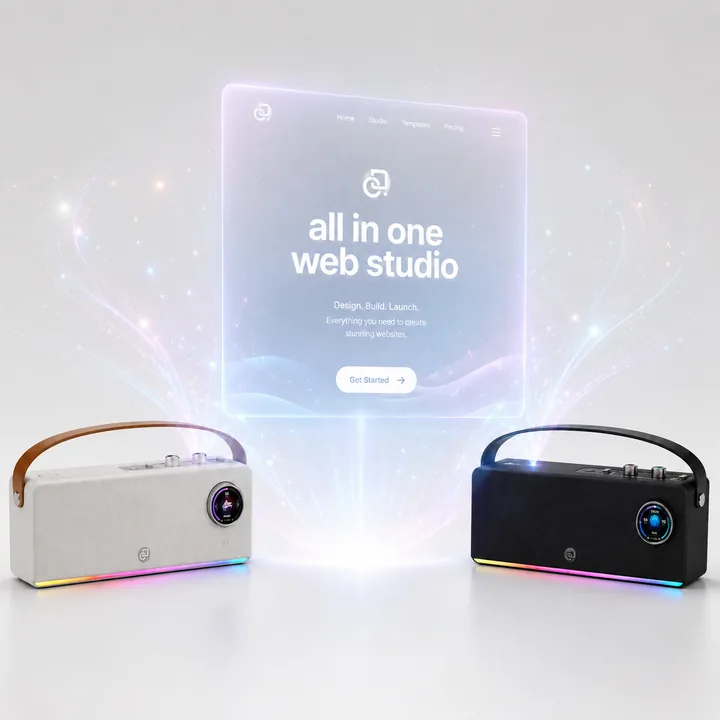
18All-in-one web studio
 19
19Setup & help
 20
20Web FX & performance lab
Go beyond the collection with the lighting protocol and developer foundations.
For browser demos: Bluetooth MIDI if you want to film hands-free, USB-C if you want it rock-solid. Mac instructions below — Windows works similarly via Bluetooth Settings.
Cable-free. Best for handheld shots and clean desk frames. Use Chrome or Edge for web demos.
Audio MIDI Setup)⌘ 2), then click the Bluetooth icon in the toolbarRock-solid wired connection. Best for DAW work (Logic, Ableton, FL Studio) and any demo where latency matters.
The viewer should finish your video thinking "what is that and where do I get one?"
Three Instagram Reels that nail the tempo, framing, and information density we're looking for. Don't copy — absorb the rhythm.
Opens cold on a glowing close-up. No preamble. The hook is fully visual in the first two seconds — no narration needed.
The keyboard sits in a real environment — desk, bedroom, café. Viewers project themselves into the shot. Lifestyle > spec sheet.
Goes from "huh?" to "I want one" in four shots: power on → pair → keys light → sound. The pure conversion play.
Use these as-is or remix them. Keep at least three of the core hashtags, tag our official accounts so we can re-share, and grab our logo from the brand kit before you film.
One keyboard. Twenty ways to play. 🌈
I opened partykeys.ai, picked an app and followed the lights.
POV: every key lights up exactly where to play 🎹
Pick a lesson on partykeys.ai and follow along with me.
My keyboard is running a browser experiment 🤯
PartyKeys + partykeys.ai = games, music and live visuals.
Suggested mix: 3 core tags + 2–3 content-specific ones (e.g. #pianocover, #midi, #beginnerpiano, #lightuppiano, #creatortools).
Logos in multiple formats, brand colors, and key visuals — perfect for intros, outros, or lower-thirds.
We run our creator partnerships through Goaffpro. Qualifying sales generated by your unique link are tracked, with commission paid on the standard schedule. Sign up, complete any required approval, get your unique affiliate link, and share it in your bio. Use the personal tracking link from your dashboard when promoting products; the registration link is for joining the program.