The software
Anything Piano
Turn music you choose into a piano tutorial you can practice on your iPhone or iPad.
700,000+ musicians and counting
Got your PartyKeys sample? Turn a song you love into a light-guided playing moment. Film one short video. Share your affiliate link. Earn commission on qualifying sales.
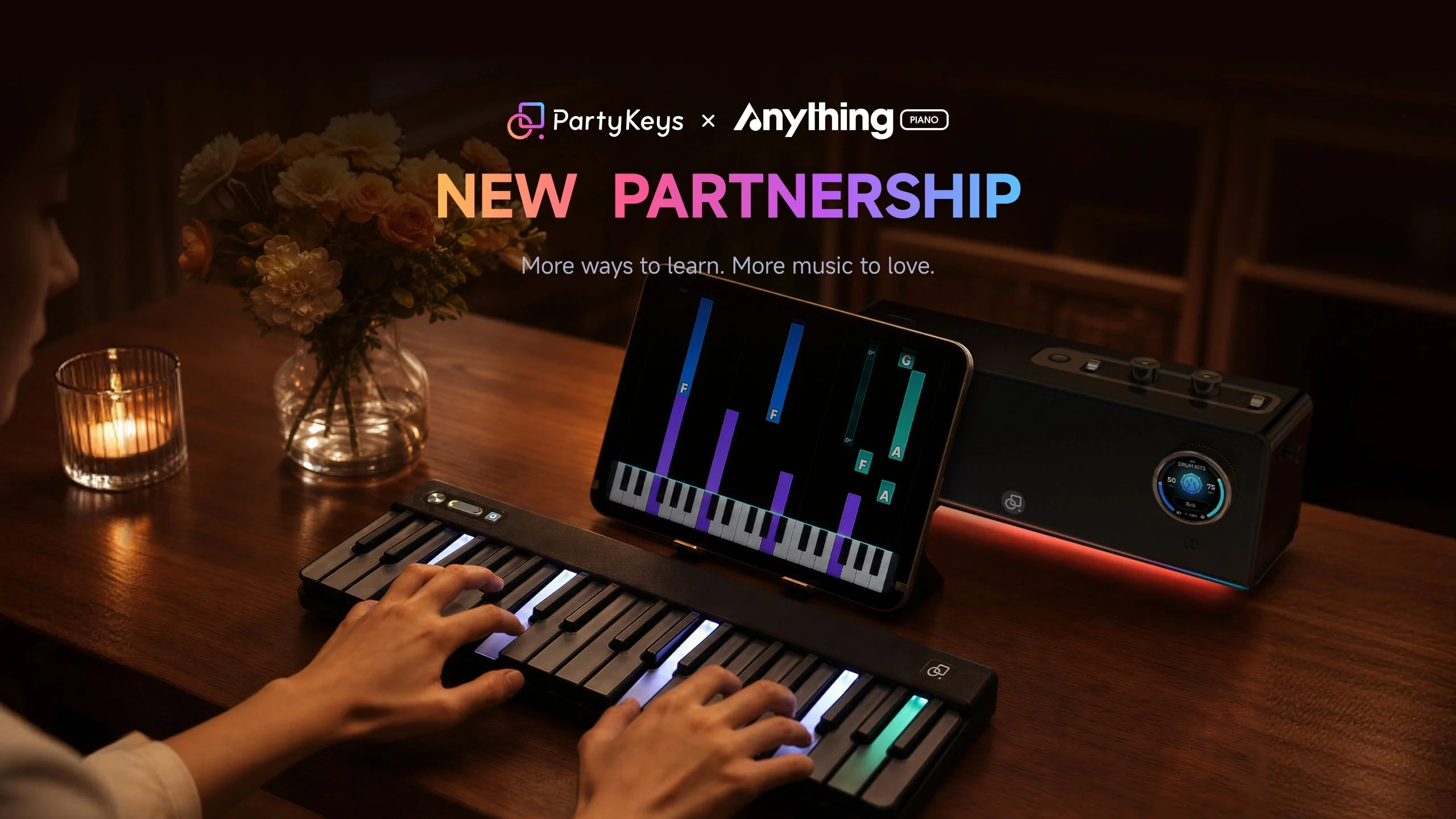
Turn music you choose into a piano tutorial you can practice on your iPhone or iPad.
700,000+ musicians and counting
Light-guided keys put the next notes right in front of your hands. Watch the lights. Find the keys. Play.
Anything Piano generates the tutorial. PartyKeys lights up the corresponding keys so you can follow along and play it yourself.
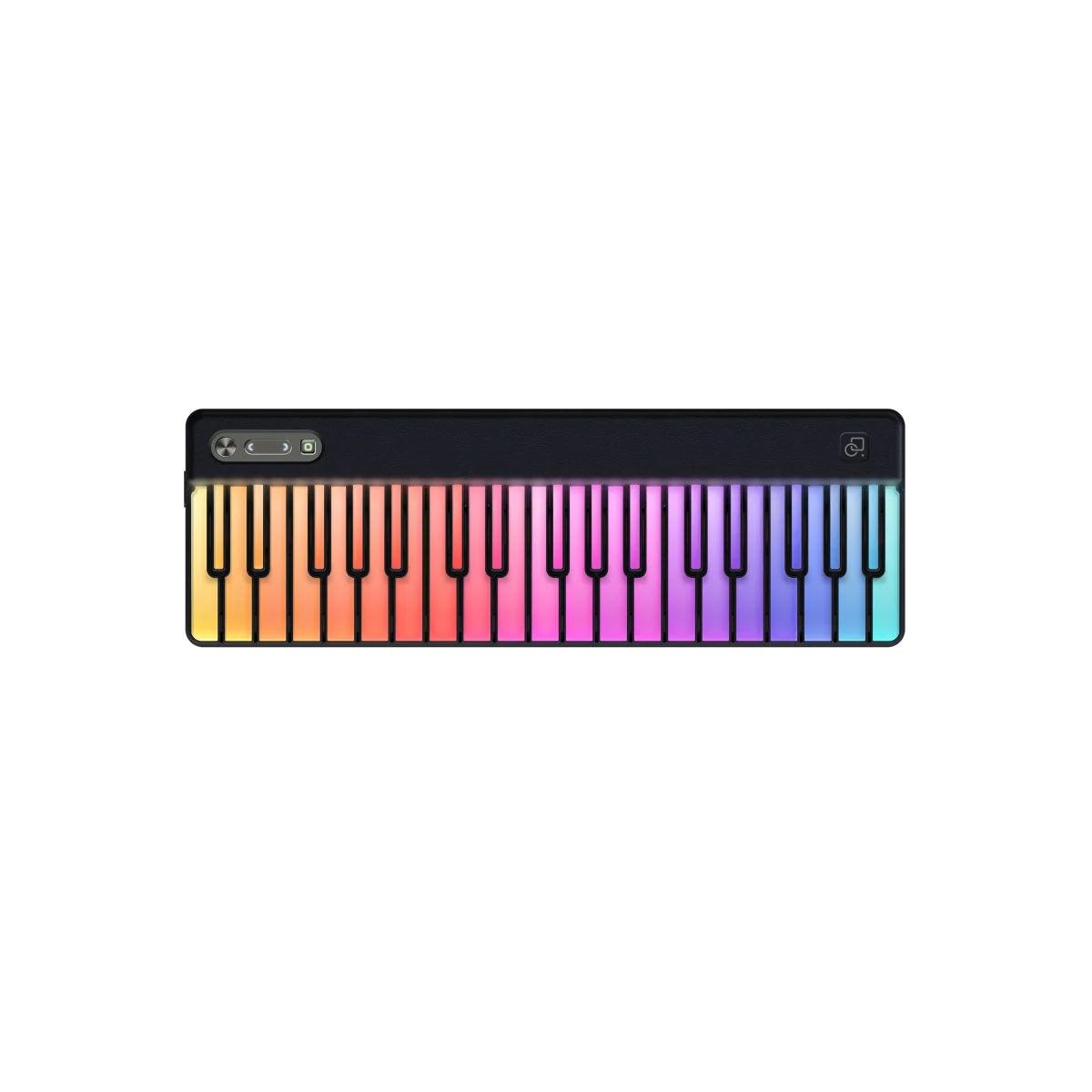
For this video, show the lights responding to the Anything Piano tutorial.
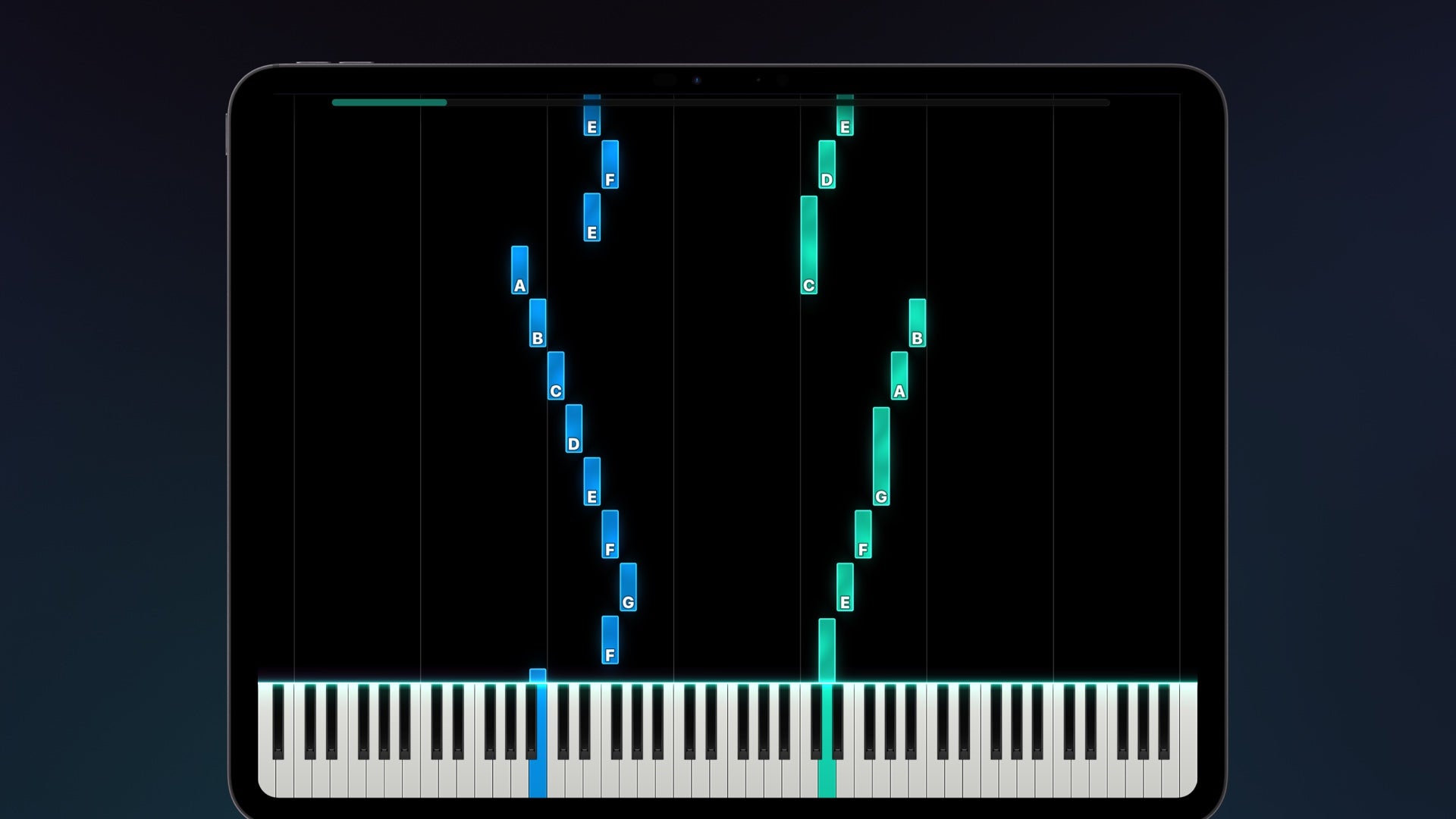
Available on iPhone and iPad only. Android and Web are not yet available.
Open Anything Piano on your iPhone or iPad and connect PartyKeys via Bluetooth MIDI or a compatible USB-C setup. Check that notes and lights respond before recording.
Choose a song with Annie, paste a supported link, upload a file or record a melody. Generate the tutorial and choose a short section to practice.
Start the tutorial. Show the screen and the corresponding keys lighting up. Play the lit notes so viewers can see how the guidance helps.
The tutorial waits until you play the correct notes before continuing. Capture a pause, then the moment your correct note moves it forward.
Play in real time at the selected tempo. Show a short, flowing phrase with the screen, lights and your hands visible.
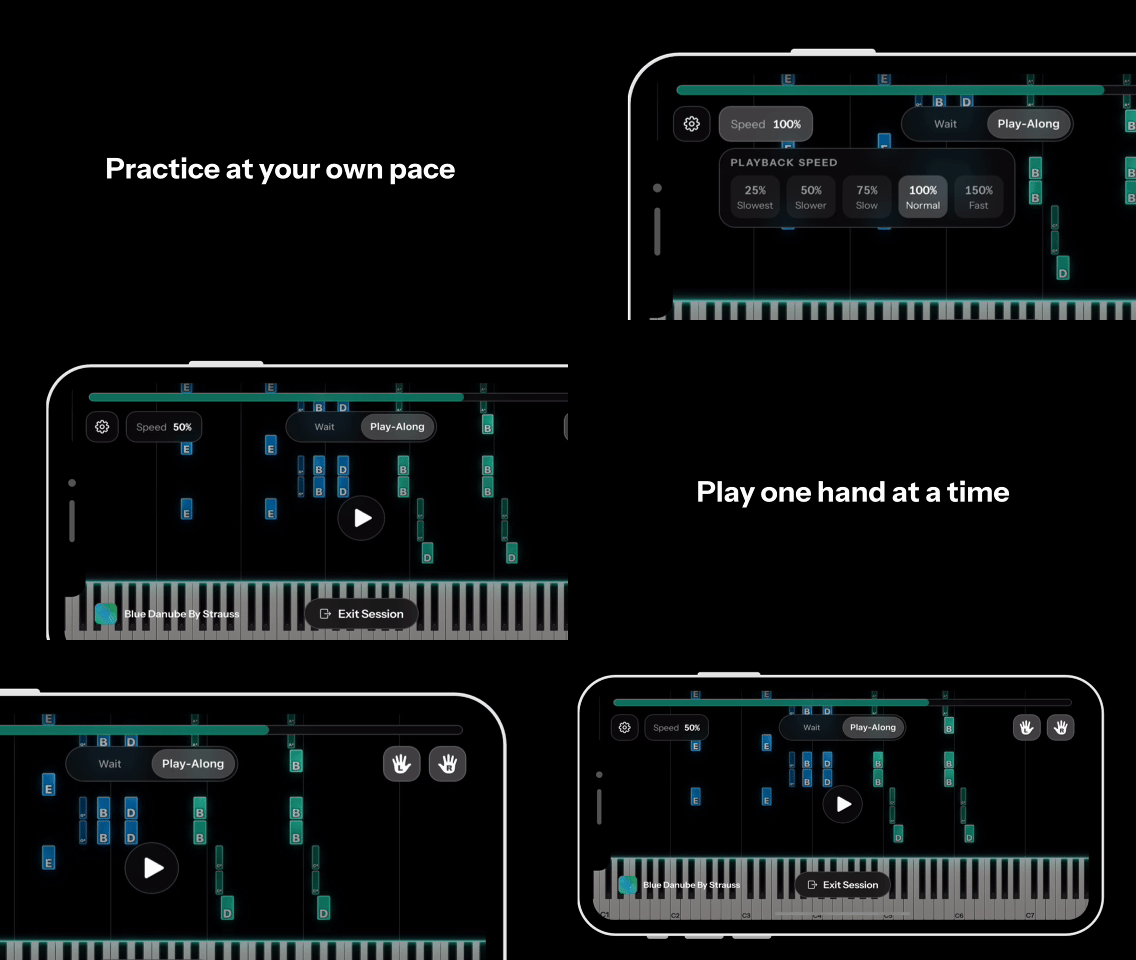
Watch how the tutorial and illuminated keys work together. Close this panel to hide the animation.
| Time | Shot | Message |
|---|---|---|
| 0–5s | Open with you following the glowing keys. | “There’s a song I’ve always wanted to play.” |
| 5–15s | Show your chosen import method in Anything Piano. | “I brought it into Anything Piano to generate a tutorial.” |
| 15–35s | Frame the tutorial, your hands and PartyKeys together. | “PartyKeys lights up the notes, so I can follow along.” |
| 35–50s | Demonstrate Wait Mode or a short Play-Along phrase. | Explain the mode you actually show, in your own words. |
| 50–60s | Finish on a playing moment and a short text overlay. | “Find PartyKeys through my link. New Anything Piano users can try their first month free.” |
Suggested timing, not a script to memorize. If generation takes time, cut to the result and make the time jump clear.
Avoid disconnected LED effects presented as tutorial guidance, claims of instant mastery or perfect results for every song, unsupported Android/Web demos, and claims that the app is free forever or the keyboard is included in the app offer. Use music and footage you have permission to publish.
That song I keep coming back to? I’m learning it with Anything Piano and the light-guided keys on PartyKeys. Watch me follow the notes. PartyKeys link in my bio.
Anything Piano’s Wait Mode gives me time to find the notes. PartyKeys lights up where to play. Here’s my practice session. Find the setup through my link.
I recorded a little melody, generated a tutorial in Anything Piano, and followed the lights on PartyKeys to play it back. Want to try? My PartyKeys link is in the bio.
Adapt captions to what you actually filmed. Add a clear disclosure, for example: “PartyKeys gifted me this keyboard. I may earn a commission if you buy through my link.”
YouTube: @PopuMusic.global ↗
Instagram: @partykeys.official ↗
TikTok: @partykeys ↗
YouTube: @anythingpianoo ↗
Instagram: @anythingpiano ↗
TikTok: @anythingpiano ↗
Mention both partners on the platform you publish to.
Invite eligible viewers to redeem their first month of Anything Piano and try the light-guided workflow with PartyKeys.
“New to Anything Piano? You can try your first month free through the PartyKeys offer.”
New users only. iPhone / iPad required. This offer is for the app; PartyKeys hardware is purchased separately. Check the redemption page for current offer and subscription terms.
Use your Goaffpro affiliate link for the PartyKeys purchase CTA. Share the redemption link separately for the app offer.
The PartyKeys affiliate program is now running through Goaffpro. Start with the registration link below.
Create your account using the PartyKeys Goaffpro registration page.
Once your account is active, get your personal tracking link and review the program terms.
Publish your video. Tag both partners and place your affiliate link where viewers can access it.
Check referred orders and qualifying commissions in your dashboard.
Commission rates, eligibility and payout timing follow your agreed program terms. Verify these in your account or with your PartyKeys contact before quoting any numbers.